OG Debugger
Debug your Open Graph tags
Paste any URL. Get pass/fail checks on every OG tag, dimension validation, platform previews, and an AI-powered design quality score. Free, no signup.
Best in class
What proper looks like in SaaS

AI App Builder: Turn Spreadsheets into Business Apps | Glide
Stacked site trailers and steel framing to sell software. A literal metaphor that actually works
Stacked site trailers and steel framing to sell software. A literal metaphor that actually works
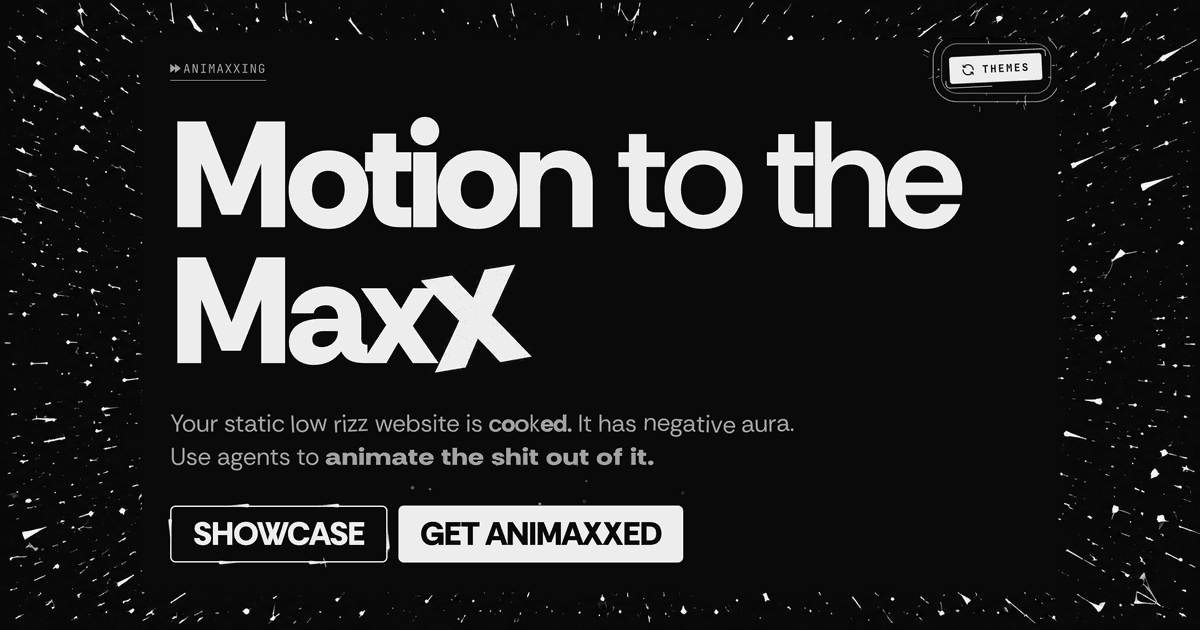
Animaxxing
That tilted final X carries the whole brand. Crude, loud, impossible to miss
That tilted final X carries the whole brand. Crude, loud, impossible to miss
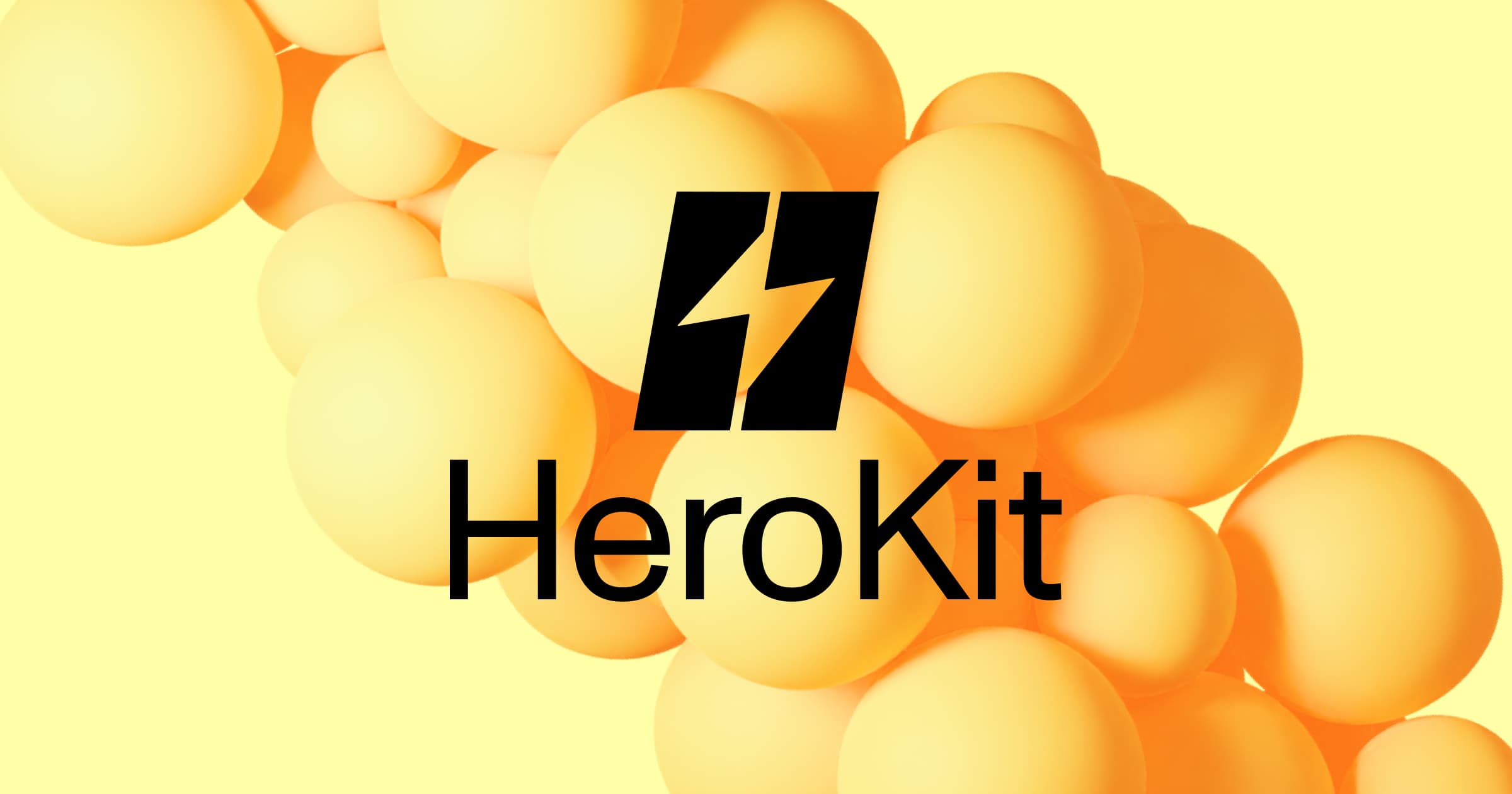
HeroKit
Stark black mark over soft yellow spheres. High contrast does all the heavy lifting
Stark black mark over soft yellow spheres. High contrast does all the heavy lifting
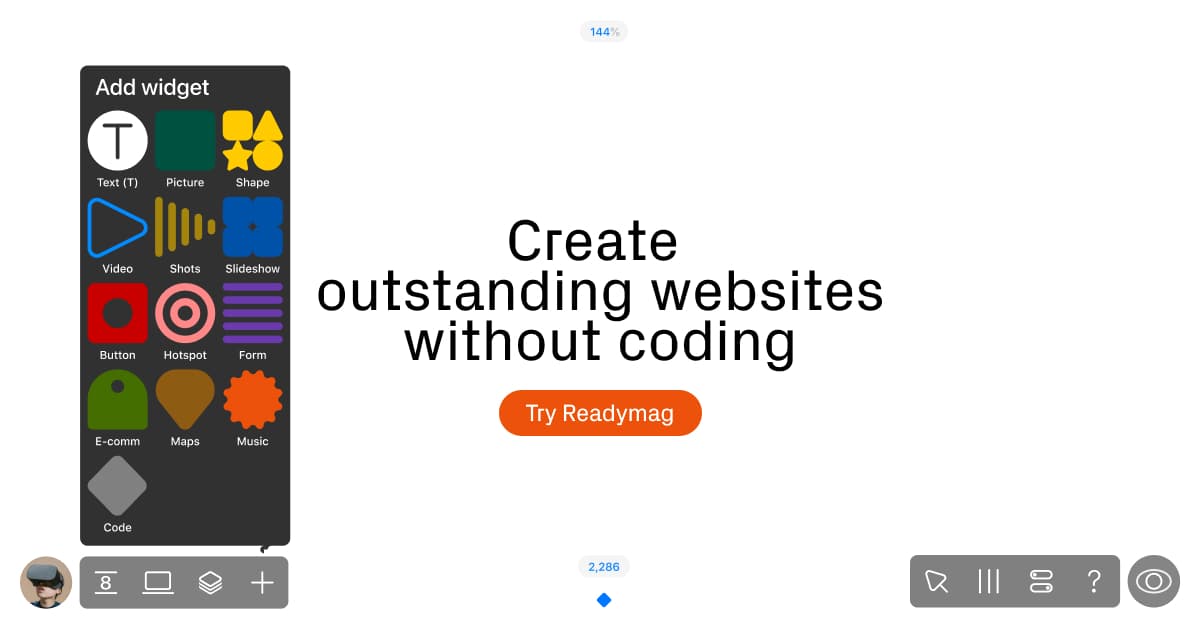
Readymag
Real UI elements and thoughtful details make the product pop. The CTA could use a similar spotlight
Real UI elements and thoughtful details make the product pop. The CTA could use a similar spotlight
What is an Open Graph debugger?
An Open Graph debugger checks the meta tags that control how your URL looks when shared on social platforms. When someone drops your link on Twitter, LinkedIn, Slack, or iMessage, those platforms read your og:title, og:description, and og:image tags to build the link preview card.
A good debugger tells you what's missing, what's truncated, and what's misconfigured. properOG goes further: we also score the visual quality of your OG image using AI analysis. Contrast, hierarchy, readability, brand consistency, all the things that make the difference between a link that gets clicked and one that gets scrolled past.
Common OG tag mistakes
Missing og:image entirely
The most common issue. Without an og:image tag, platforms show a blank card or a tiny favicon. You lose 80%+ of the visual impact of your shared link.
Wrong image dimensions
The standard is 1200×630px (1.91:1 aspect ratio). Images that are too small get stretched. Wrong aspect ratios get cropped. Some platforms reject images under 200px wide.
Title or description too long
og:title should stay under 60 characters. og:description under 155. Go over and platforms truncate with an ellipsis, cutting off your message mid-sentence.
Image file too large
OG images over 5MB load slowly or time out. Facebook and Twitter cache the first version they see, so if the image times out on first share, you're stuck with a blank card until you manually clear the cache.
How we score design quality
Most OG checkers stop at "does the tag exist." We go further. Our AI analysis evaluates the actual visual design of your OG image:
- •Contrast & readability . Can you read the text at social-card size? Strong contrast between text and background is essential.
- •Visual hierarchy . Is there a clear focal point? The best OG images have one dominant element that grabs attention in a feed.
- •Brand consistency . Does the OG image match your site? Mismatched colors or random stock photos undermine trust.
- •Design patterns . We identify the design approach: gradient backgrounds, split layouts, photography overlays, minimal typography, and more.
The score rolls up into A/B/C/D grades. A means your OG image is proper. D means it needs work. We show you exactly what to fix.
FAQ
What Open Graph tags does this debugger check?+
We check og:title, og:description, og:image, og:url, og:type, og:site_name, twitter:card, twitter:title, twitter:description, and twitter:image. We also validate image dimensions, file size, aspect ratio, and format.
Is this OG debugger free?+
Yes, completely free with no signup required. Check as many URLs as you want. We rate limit to 10 checks per minute to keep things fair.
How is the design quality score calculated?+
We use AI vision analysis to evaluate contrast, hierarchy, readability, and brand consistency of your OG image. This is combined with technical checks (dimensions, file size, meta tags) to produce an A-D grade.
What's the ideal OG image size?+
1200x630 pixels at 1.91:1 aspect ratio. This works across all major platforms including Facebook, Twitter/X, LinkedIn, Discord, Slack, and messaging apps. Keep file size under 1MB for fast loading.
How does this differ from Facebook's Sharing Debugger?+
Facebook's debugger only shows how your link renders on Facebook. properOG shows previews for 9 platforms, scores your image's visual design quality using AI, and compares your OG image against curated gallery examples from your industry.
Related