Learn
What is Open Graph?
Open Graph is the protocol that controls how your links look when shared on social media, messaging apps, and search results. Get it right and your links stand out. Get it wrong and they disappear.
The short version
Open Graph (OG) is a set of <meta> tags you put in your HTML <head>. When someone shares your URL, the platform reads these tags to build a rich link preview card with a title, description, and image.
Facebook created the protocol in 2010 to give web pages the same richness as native Facebook objects. It caught on. Now every major platform uses it: Twitter/X, LinkedIn, Discord, Slack, WhatsApp, Telegram, iMessage, and even Google's search results.
Without OG tags, platforms guess. They might pull a random image from your page, truncate your page title, or show nothing at all. With proper OG tags, you control exactly what people see.
The core tags
Four tags are required by the Open Graph protocol. Two more are practically essential for social sharing.
og:titlerequiredThe title of your page as it appears in the link preview. Keep it under 60 characters.
og:descriptionA brief summary shown below the title. Aim for 100-155 characters. Not all platforms display it.
og:imagerequiredThe image URL for the link preview card. This is the single most impactful tag. Use 1200×630px for best results.
og:urlrequiredThe canonical URL of the page. Tells platforms which URL to use when multiple URLs point to the same content.
og:typerequiredThe type of content: "website", "article", "product", etc. Defaults to "website" if not set.
og:site_nameYour site or brand name. Displayed separately from the page title on most platforms.
What it looks like in code
<meta property="og:title" content="Your Page Title" />
<meta property="og:description" content="A brief, compelling description." />
<meta property="og:image" content="https://yoursite.com/og-image.png" />
<meta property="og:url" content="https://yoursite.com/page" />
<meta property="og:type" content="website" />
<meta property="og:site_name" content="Your Brand" />
Why it matters
Your OG tags are your first impression on social media. Every time someone shares your URL, the link preview is an ad for your page. You didn't pay for it, but it's working for or against you.
Click-through
Links with proper OG images get significantly higher click-through rates than text-only link cards.
Brand trust
A professional link preview signals quality. A broken or missing preview signals the opposite.
SEO signal
While OG tags don't directly affect rankings, they increase social engagement, which drives traffic and backlinks.
Before vs. after
Without OG tags
• Platform guesses a random page image (or shows nothing)
• Title pulled from <title> tag, often too long
• No description or a scraped paragraph fragment
• Inconsistent appearance across platforms
With proper OG tags
• Your chosen 1200×630 image, every time
• Concise, compelling title you wrote
• Description that hooks the reader
• Consistent brand presence across all platforms
How platforms use OG tags
Every platform reads the same OG tags but renders them differently. The 1200×630px standard works everywhere, but the details matter.
Check your site right now
See how your OG tags stack up. Free, instant, no signup.
Open the debugger →Featured examples
What proper looks like in SaaS

AI App Builder: Turn Spreadsheets into Business Apps | Glide
Stacked site trailers and steel framing to sell software. A literal metaphor that actually works
Stacked site trailers and steel framing to sell software. A literal metaphor that actually works
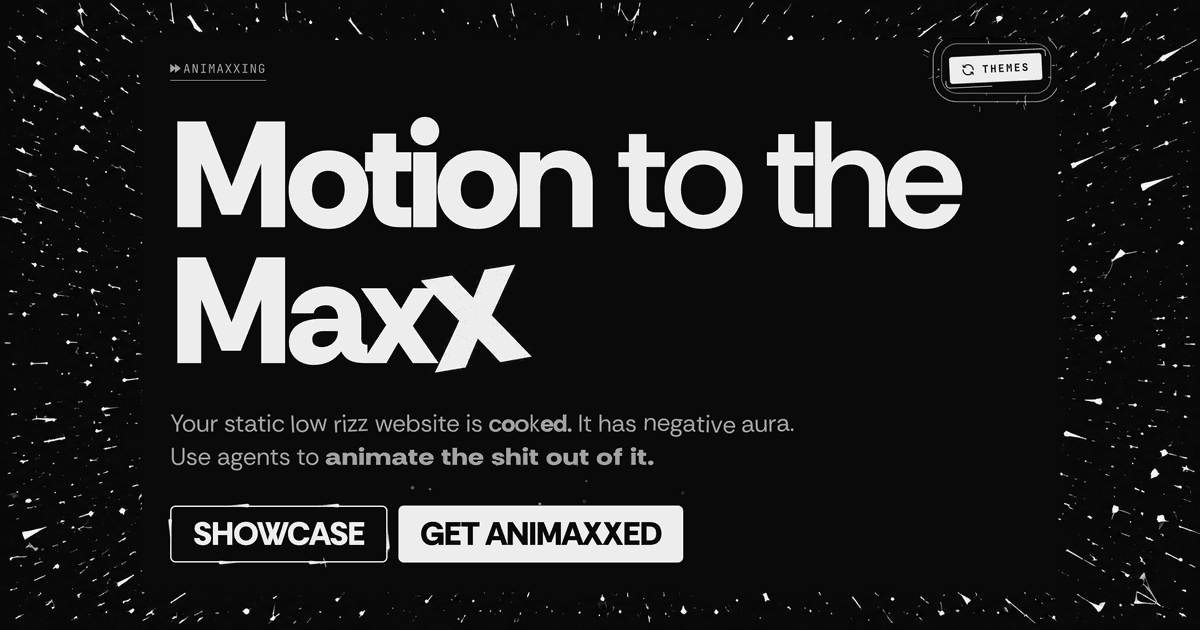
Animaxxing
That tilted final X carries the whole brand. Crude, loud, impossible to miss
That tilted final X carries the whole brand. Crude, loud, impossible to miss
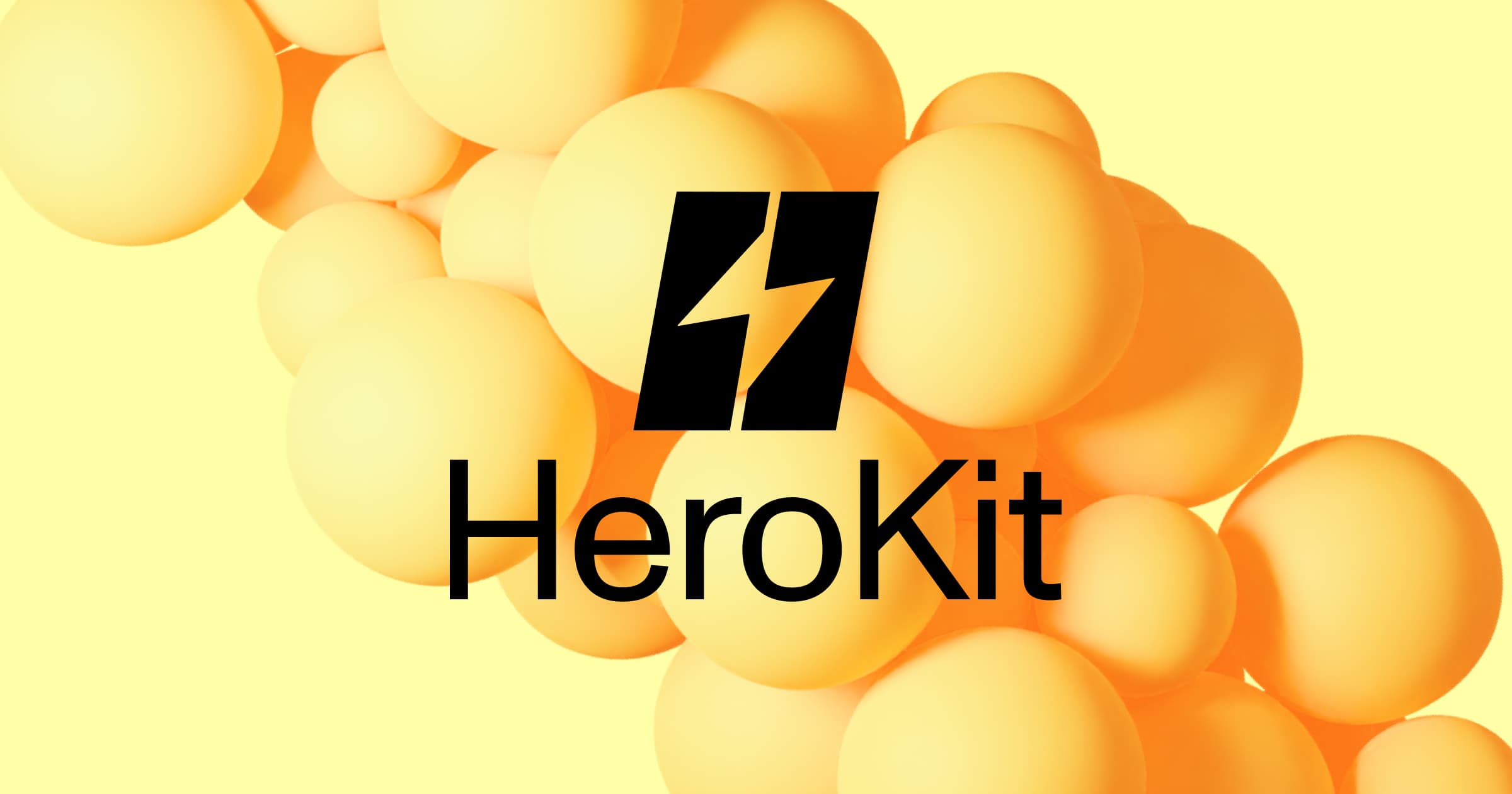
HeroKit
Stark black mark over soft yellow spheres. High contrast does all the heavy lifting
Stark black mark over soft yellow spheres. High contrast does all the heavy lifting
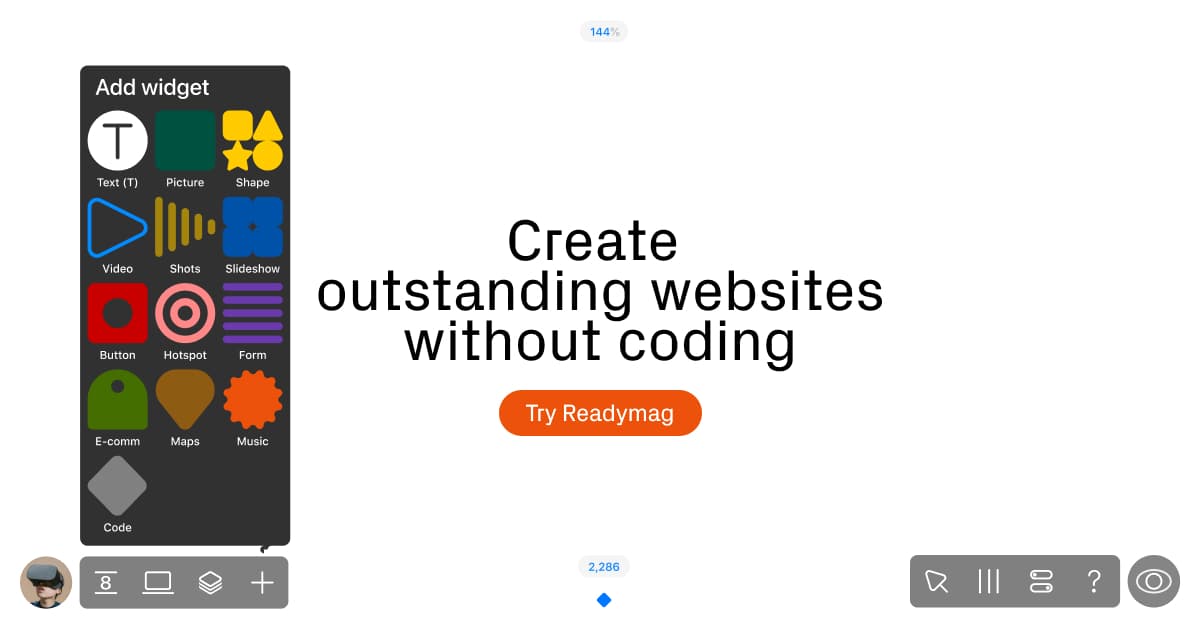
Readymag
Real UI elements and thoughtful details make the product pop. The CTA could use a similar spotlight
Real UI elements and thoughtful details make the product pop. The CTA could use a similar spotlight